
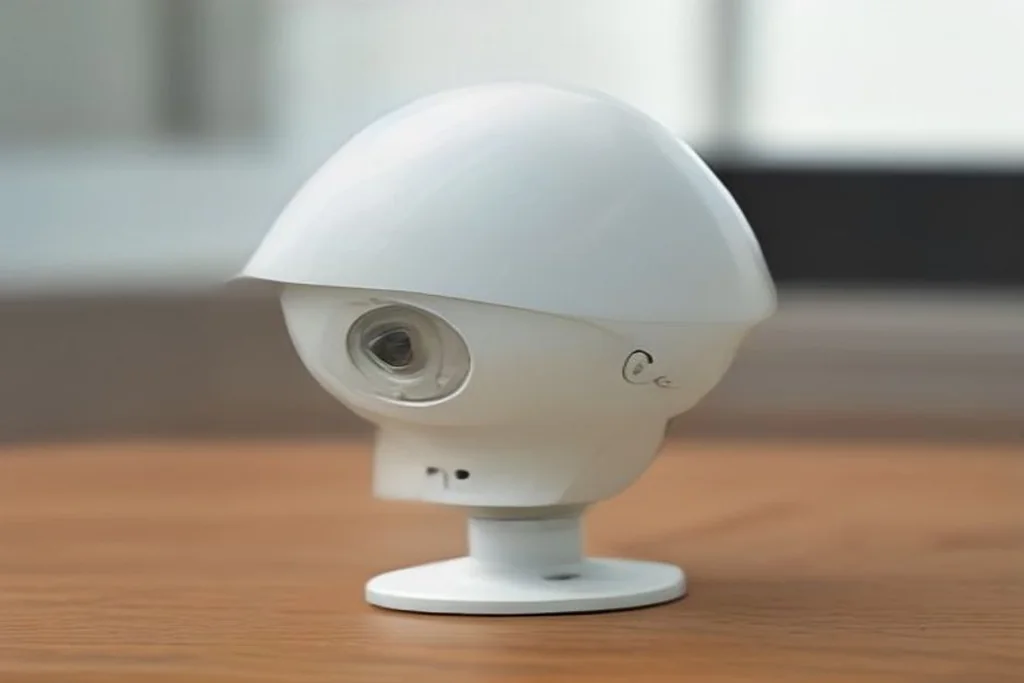
A security camera fails in exactly one direction that matters: it records nothing on the night you need it. The market in 2026 is dense with options, from thirty-euro bulbs with lenses to wired kits with local recorders, and the specification sheets are full of numbers that mean less than they appear. This guide walks the six checks that separate a useful camera from a subscription trap, in the order a buyer should apply them.
Check one: resolution and, more importantly, the lens
Megapixels sell cameras, but a four-megapixel sensor behind a poor lens produces mush at the distance that matters. What identifies a face or a plate is detail density at the subject, not the headline number. A two-to-four megapixel camera with a good lens and a narrow field of view covering a doorway beats a wide-angle eight-megapixel unit watching a whole garden.
Think in coverage zones rather than scenes. One camera per choke point, door, drive, gate, aimed so a person fills a meaningful share of the frame. Digital zoom into a wide shot is marketing; optical placement is engineering.

Check two: night performance is a different camera
Almost every intrusion happens in low light, and night image quality varies wildly. Infrared LEDs give a black-and-white picture with a stated range that assumes an open field; a wall or fence five metres away will bounce the IR back and wash out the frame. Look for adjustable IR power or, better, a camera with a colour night mode that uses a small warm spotlight.
Sensor size matters more than marketing names. A larger sensor gathers more light before amplification, which is the difference between a usable face at night and a grainy silhouette. If the spec hides the sensor size, read reviews that post actual night footage.
Check three: storage decides the true price
Every camera records somewhere, and the somewhere defines the ownership cost. Local storage, microSD or a hub with a drive, keeps footage in the house with no recurring fee, at the risk of losing everything if the device is stolen or the card fails. Cloud storage survives the theft of the camera but arrives as a subscription, and the plans differ in retention days, number of cameras and whether recording or only event clips are included.
The trap is a camera whose advertised features, person detection zones, facial recognition, extended history, sit behind the paid tier. Add up the plan cost across the cameras you actually need and compare that total against a local-recording kit before choosing. As always, check the current terms of any plan, because pricing in this category shifts constantly.
Check four: privacy defaults you must change
A camera is a sensor pointed at your life, and the defaults are rarely the safest settings. Turn off any feature you did not choose: audio recording if local law treats it differently from video, cloud uploads of clips you did not flag, and any data-sharing or product-improvement options. Give cameras their own network segment so a compromised device cannot reach your computers, which is exactly the segmentation logic our secure network guide describes for offices.
- Change the factory password on day one; scanned default credentials are the most common camera breach.
- Disable UPnP and remote access you do not use; view through the vendor app or a VPN instead.
- Keep firmware on auto-update, and check the vendor’s support window before buying a brand.
- Position cameras to cover your property, not a neighbour’s windows or a public pavement where rules apply.
Check five: power and connectivity honesty
Battery cameras promise wire-free freedom and deliver maintenance: recharging cycles that shorten in cold weather, and features like continuous recording quietly disabled to save power. Wired PoE cameras need a cable run but then run forever and record continuously without thought. Solar panels soften the battery case in sunny climates but do not survive a dark winter week.
Wi-Fi cameras add a coverage question. The corner of the garden with the worst signal is often where the camera must live. Test the spot with a phone before mounting anything, and consider a mesh node or a PoE run for that position.
Check six: the ecosystem and the exit
Cameras rarely live alone; they feed doorbells, alarms and home hubs. An ecosystem makes automation easy and switching costly, so ask the exit question before the first purchase: can footage be exported, does the device work without the cloud, and would the brand’s shutdown turn the hardware into a brick? The smart-lighting lesson from CES 2026 applies here too, standards and local control outlive proprietary apps.
| Check | Good sign | Red flag |
|---|---|---|
| Optics | Stated sensor size, narrow-coverage options | Megapixel boast, hidden lens details |
| Night mode | Adjustable IR or colour night light | Fixed IR, no night sample footage |
| Storage | Local option, clear plan boundaries | Core features locked behind subscription |
| Privacy | Local control, granular sharing settings | Forced account, data-sharing default on |
| Power | PoE or honest battery figures | “Wire-free” with features trimmed to save power |
| Ecosystem | Exportable footage, works offline | Cloud-only, single-vendor lock-in |
Bottom line
Buy the camera by coverage zone and night performance, price it by its true storage model, and harden it on day one with a changed password, updates and network separation. The Electronics section keeps the rest of the smart-home stack in view, including the earbuds guide for the audio side of the same ecosystem question.