
Admit card and exam day in Bangladesh: the night-before list
An admit card is not a result. It is the paper (or PDF) that lets you into the hall: your name, photo, roll number, centre, date and reporting time. In Bangladesh most «I missed the exam» stories start the same way — the notice dropped days ago, Teletalk is down the night before, the printer jams at 6 a.m. This page is the order of work so that does not happen.
The official site and the dates change by exam (BCS, NTRCA, bank, ministry). Use the circular for this post. A JPEG from a Facebook group is not the notice.
What you actually need on the desk
Think of three objects. The admit card itself. The ID the circular names (usually NID). A way to reach the centre on time. Everything else is optional until the notice says otherwise. If the PDF photo is someone else, or the post name is wrong, you do not «hope it will be fine at the gate». You use the helpline printed on that circular and keep a screenshot of the error.
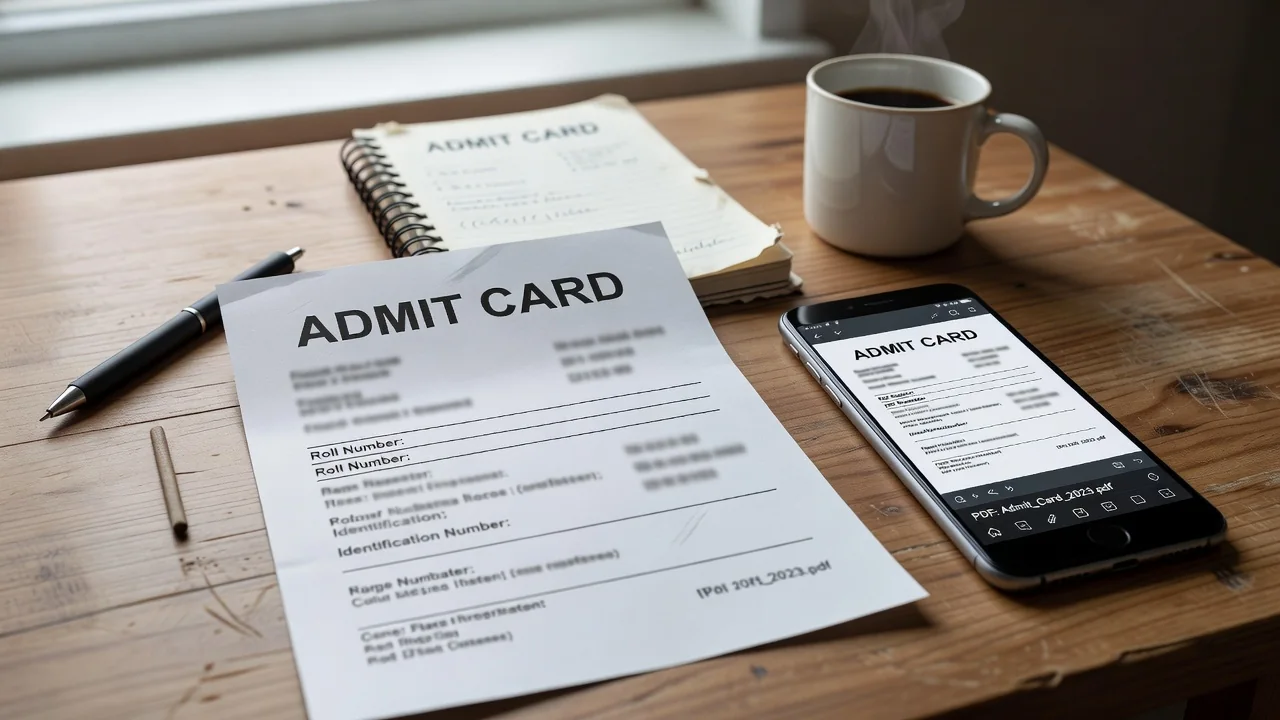
- Find the official notice for this exam — not a share, the board’s own page.
- Log in with the same user ID / Teletalk number you applied with. Recover it now, not on exam morning.
- Download the PDF. Check name, photo, post, roll, centre, date, reporting time.
- Print twice. Save the PDF offline on the phone. Photocopy the ID the circular asks for.
- Pack the night before: card, ID, transparent pouch, only what the notice allows.
| Item | Do this | Do not do this |
|---|---|---|
| Admit card | Print + offline PDF | Only a screenshot in a gallery that may not open |
| ID | The one the circular names | A friend’s card «just for the photo» |
| Centre | Map it the night before | First search in the CNG on the day |
| Phone / notes | Follow the ban list | Argue with the gate |
If the website will not open
Try off-peak hours and another browser. If Teletalk sent an SMS link, use that. Paying a booth to «download for you» with your password is how accounts walk away. If the card will not generate a day before the exam, write to the contact in the circular and keep the error screenshot. That screenshot is evidence. A status rant is not.
- Download when the notice drops, not the night before.
- Read the PDF once slowly. Then print twice.
- Official portal only.
- The gate follows the circular, not the queue’s opinion.

Close
Card, ID, centre, time, banned list. Download early. Print twice. The exam starts at the gate. If the PDF is wrong, the helpline on the circular is the next click — not a rumour thread.